How to Prepare Your Artwork for Flawless Custom DTF Printing
Learn the 4 crucial steps for preparing your digital artwork for Direct-to-Film (DTF) printing. From DPI to transparent backgrounds, Fast Apparel has you covered.
# How to Prepare Your Artwork for Flawless Custom DTF Printing
Are you ready to bring your unique t-shirt designs to life but aren't sure how to get the files ready for the printer? Whether you're starting a streetwear brand, organizing a family reunion, or placing a bulk order for your corporate event, Direct-to-Film (DTF) printing offers vibrant, long-lasting results. However, the secret to a stunning final product starts with your artwork.
At Fast Apparel in Lawrenceville, GA, we handle all kinds of local custom DTF printing jobs. From small, intricate graphics to massive bulk orders, we've seen it all. In this guide, we'll walk you through exactly how to prep your digital files so your custom apparel turns out perfectly every single time.
Why High-Quality Artwork Matters in DTF Printing
DTF printing is renowned for its ability to capture millions of colors, gradients, and ultra-fine details that traditional screen printing might miss. Because the printer translates your digital file directly onto a transfer film, any pixelation, blurry edges, or color inconsistencies in your original design will transfer right onto the garment.
Investing a little time in artwork preparation guarantees that your custom t-shirts look professional, crisp, and exactly how you envisioned them.
4 Crucial Steps for Preparing Your DTF Artwork
1. Choose the Right File Format and Resolution
For the best results in custom DTF printing, your artwork needs to be high resolution. We recommend exporting your designs at 300 DPI (Dots Per Inch) at the exact physical size you want it printed.
* Preferred File Types: PNG, SVG, or AI files.
* Why PNG? PNG files support transparent backgrounds, which is an absolute must for DTF printing. If you submit a JPEG, your design will likely print with an unwanted solid white or black box around it!
2. Remove the Background Completely
One of the most common mistakes we see is artwork submitted with a background. When printing DTF, the machine prints a layer of white ink underneath your design to make the colors pop. If there is a white background in your file, the printer will print a giant white square. Always double-check your file to ensure the background is completely transparent before saving.
3. Use the Correct Color Profile
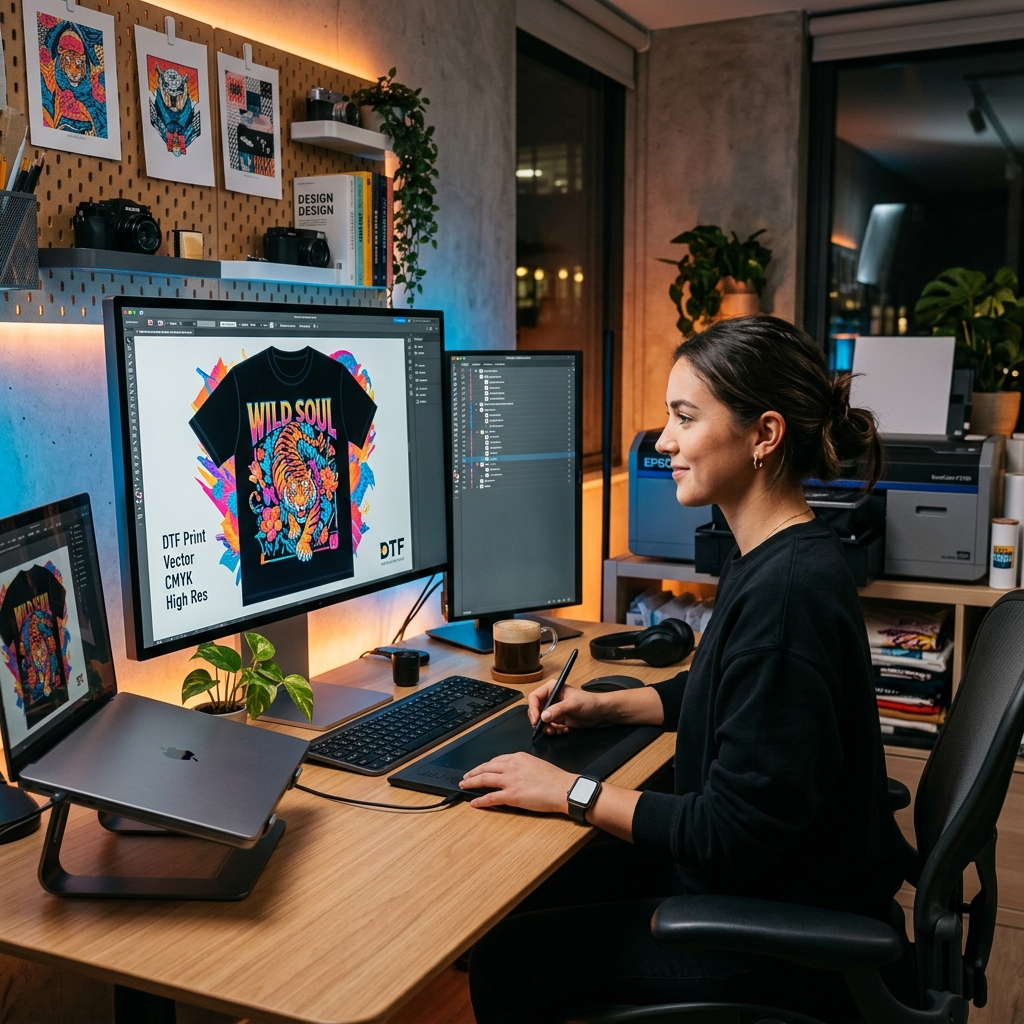
Digital screens display colors in RGB (Red, Green, Blue), but DTF printers operate using CMYK (Cyan, Magenta, Yellow, Key/Black). To avoid any surprising color shifts between your monitor and your final shirt, set your design software's color mode to CMYK while creating your artwork. This ensures the vibrant reds and deep blues you choose translate accurately to the fabric.
4. Avoid Ultra-Thin Lines and Semi-Transparencies
While modern DTF printing handles details beautifully, incredibly thin lines (under 2 pixels) or soft, semi-transparent drop shadows can sometimes struggle to adhere properly to the adhesive powder during the curing process.
* Tip: Thicken up very fine text and convert soft drop shadows into solid halftones for a much cleaner, more durable print.
Ready for Bulk Orders? We Make it Easy!
If you are coordinating a large event or stocking up for your brand, handling artwork for a bulk order might feel overwhelming. Don't worry—as your local Lawrenceville printing experts, we're here to help you scale seamlessly. Once your artwork is optimized and approved, we save your exact specifications. This makes reordering bulk custom apparel fast, consistent, and completely stress-free.
Bring Your Designs to Fast Apparel Today
You've done the hard work of creating an amazing design; let us handle the rest! At Fast Apparel, we pride ourselves on providing top-tier local custom DTF printing for Lawrenceville and the greater Metro Atlanta area.
Want to see how your prepped artwork will look on a garment before committing? **Get a free mockup and a custom quote today!** Our team is ready to help you turn your digital masterpiece into your new favorite piece of clothing.
Ready to start your project?
Get a free quote and digital mockup in 24 hours. No pressure, low minimums on DTF.
Related reads

Seamless Custom T-Shirt Printing for Teams & Bulk Orders: Discover the DTF Advantage
